
Results for
We are here to help you find a solution that suits your business need.
Filter by

Finance
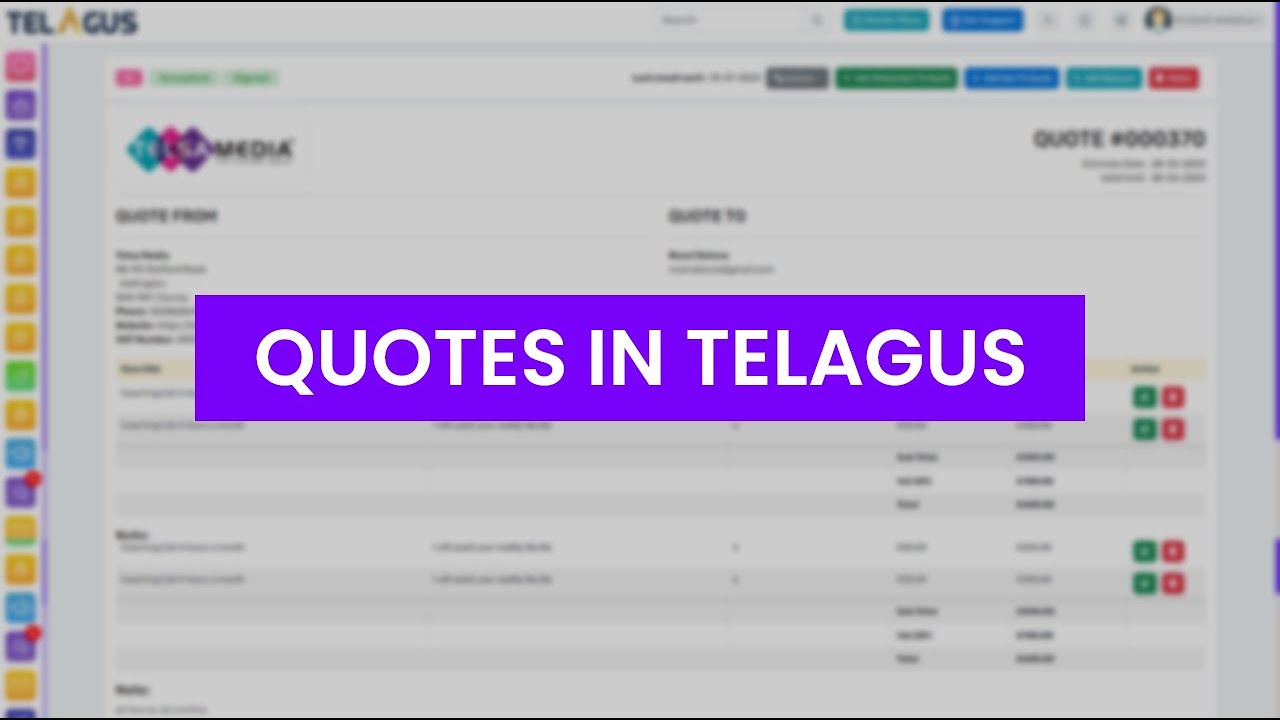
Using Quotes in Telagus
Welcome to our Telagus tutorial! In this video, we'll walk you through the entire process of creating, updating, deleting, and sharing quotations with your clients using Telagus.
Here’s what we’ll cover:
Logging In and Navigating to Quotes: Access and filter your list of quotations.
Creating a New Quote: Add a new quote by selecting a client, entering quote details, and applying discounts and taxes.
Adding Items and Attachments: Add items to your quote, attach files, and apply discounts.
Emailing the Quote: Send the quote to clients directly from Telagus and track their responses.
Managing Quotes: Learn how to clone, edit, or delete quotes, and download PDFs.
Watch this tutorial to master quoting in Telagus and streamline your finance processes. Don’t forget to explore our other videos for more tips and features!
Finance
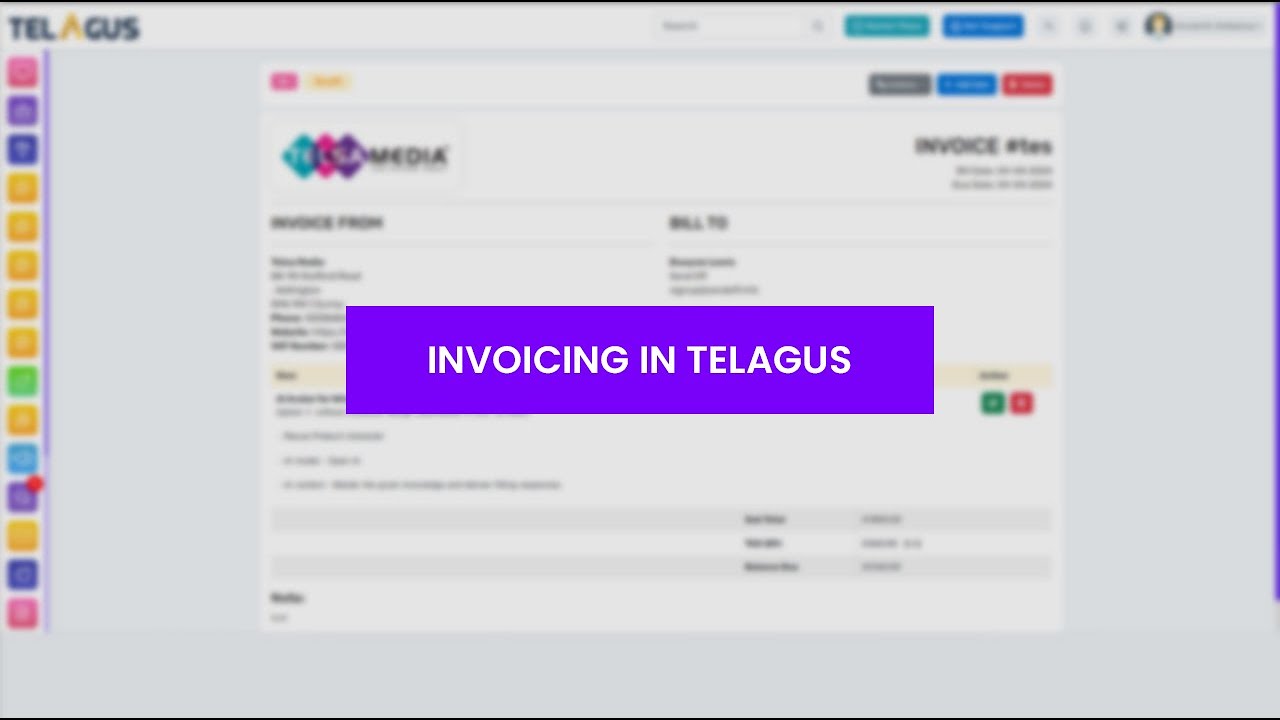
Use and Features of Invoicing in Telagus
Learn how to effortlessly manage your invoices with Telagus in this step-by-step tutorial! 🎥
In this video, we'll walk you through:
• How to create and customize invoices.
• Adding and managing items and taxes.
• Sending invoices to clients via email.
• Tracking invoice status and payments.
• Cloning, editing, and downloading invoices.
Follow along as we show you how to navigate Telagus's invoicing features to streamline your billing process. Perfect for beginners and seasoned users alike!
Finance
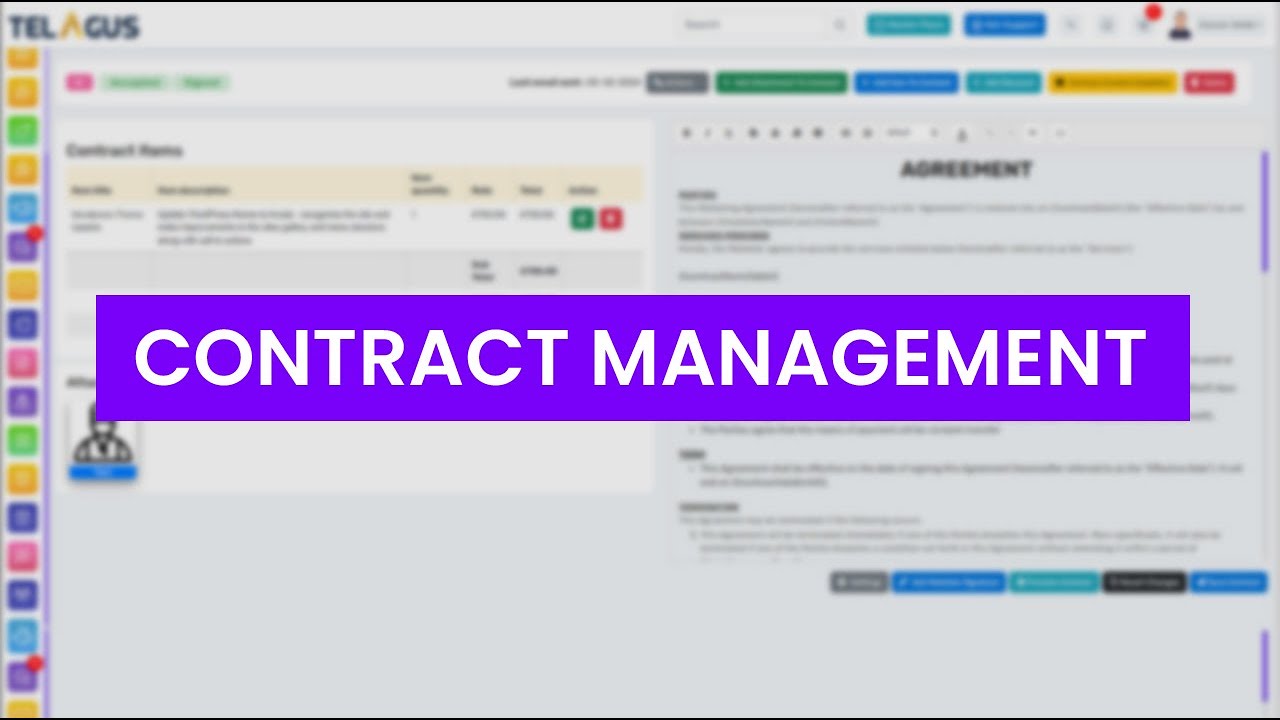
How to Access the Contract Feature in Telagus
Learn how to efficiently manage contracts with Telagus! In this tutorial, we guide you through adding contract attachments, items, setting up tax details, and more. Discover how to customize contracts, add signatures, and send them to clients seamlessly. Stay organized and professional with Telagus' contract management features.
Finance
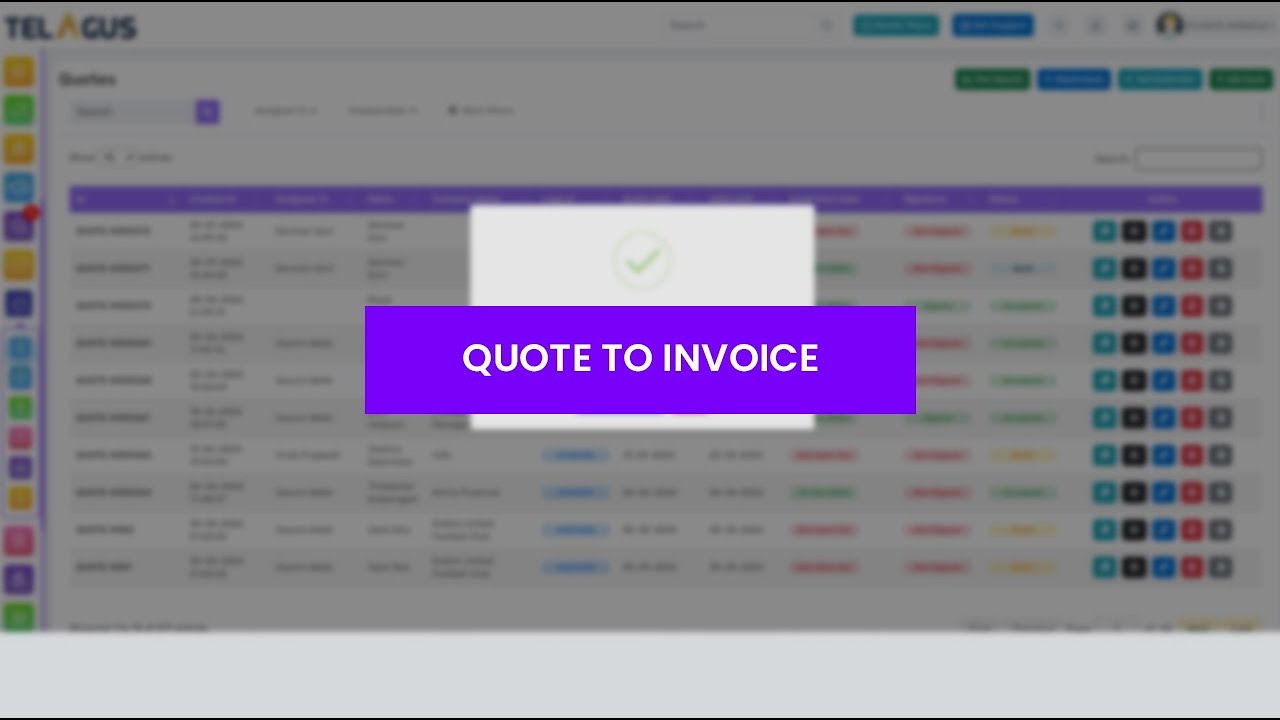
Quote to Invoice Feature
In this Telagus CRM tutorial, learn how to seamlessly convert a quotation into an invoice with just a few clicks! This feature helps ensure your billing matches the approved quotation, minimizing errors and streamlining your invoicing process.
In This Video:
• Accessing the "Quote to Invoice" function in Telagus.
• Step-by-step guide on transferring details from a quotation to an invoice.
• How to review and edit the newly created invoice.
• Tips for ensuring accuracy and making necessary changes.

Ready to see how it works?
Explore how Telagus can transform the way you manage leads, teams, and customers all from one powerful CRM platform.
